How Remindon Reads a Document in Seconds
Typing document details into an app is the reason most people give up on tracking them. So Remindon doesn't ask you to type. Here's what happens when you add a document.
1. Snap or upload
Take a photo of the document with your phone, upload a PDF, or add several at once. You can even send a photo on WhatsApp or by email.
2. AI reads it
Remindon recognises what kind of document it is — a passport, a driving licence, an insurance policy — and pulls out the details that matter: names, numbers, and the issue and expiry dates.
3. It's filed for you
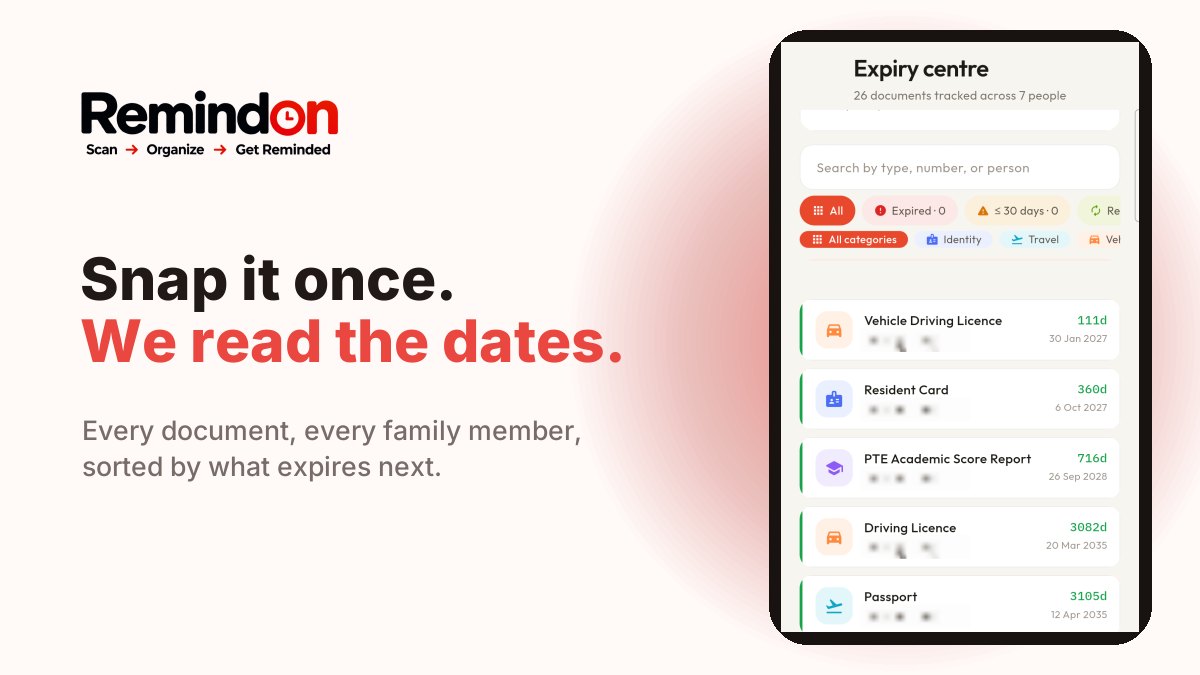
The document is matched to the right family member and category, and appears in your Expiry Centre, sorted by what expires next. You check the details and save.
4. Reminders are set
You choose when to be reminded — 180, 90, 30 or 7 days before expiry, the day before, or on the day — and how: push notifications, email, WhatsApp or your calendar, depending on your plan.
Private by design
Turn on end-to-end encryption and your documents' details are encrypted on your family's phones with keys Remindon never has. Read how it works.
Try it with one document
Start with the one you're least sure about — usually a passport or a driving licence. It takes about as long as reading this post.